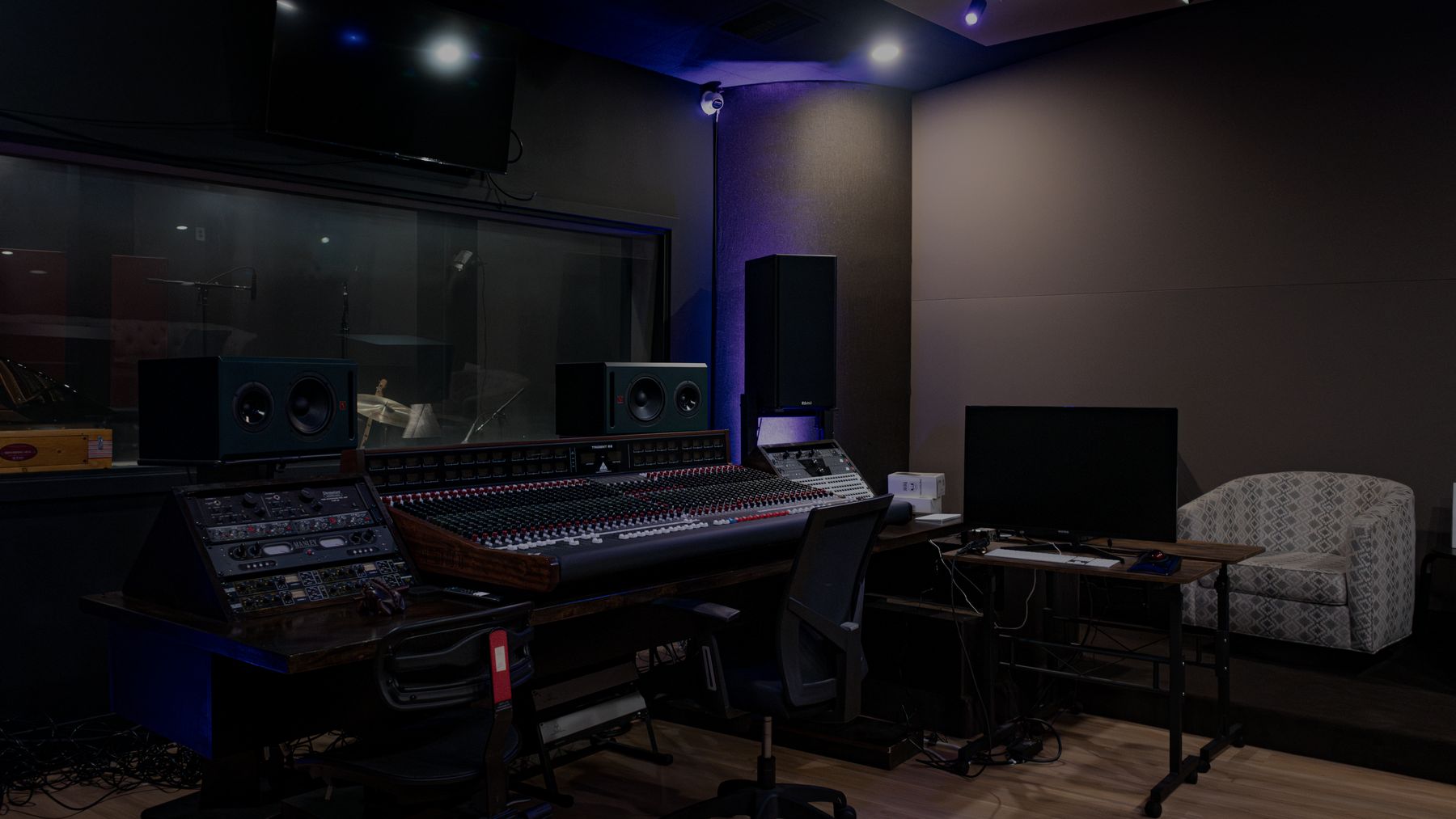
Watch a request, start to finish
A client run through the live app on a test account. Under two minutes, narrated, with captions.
How a request flows
Real screens from the live app, filled with a sample request.
-
Step 01
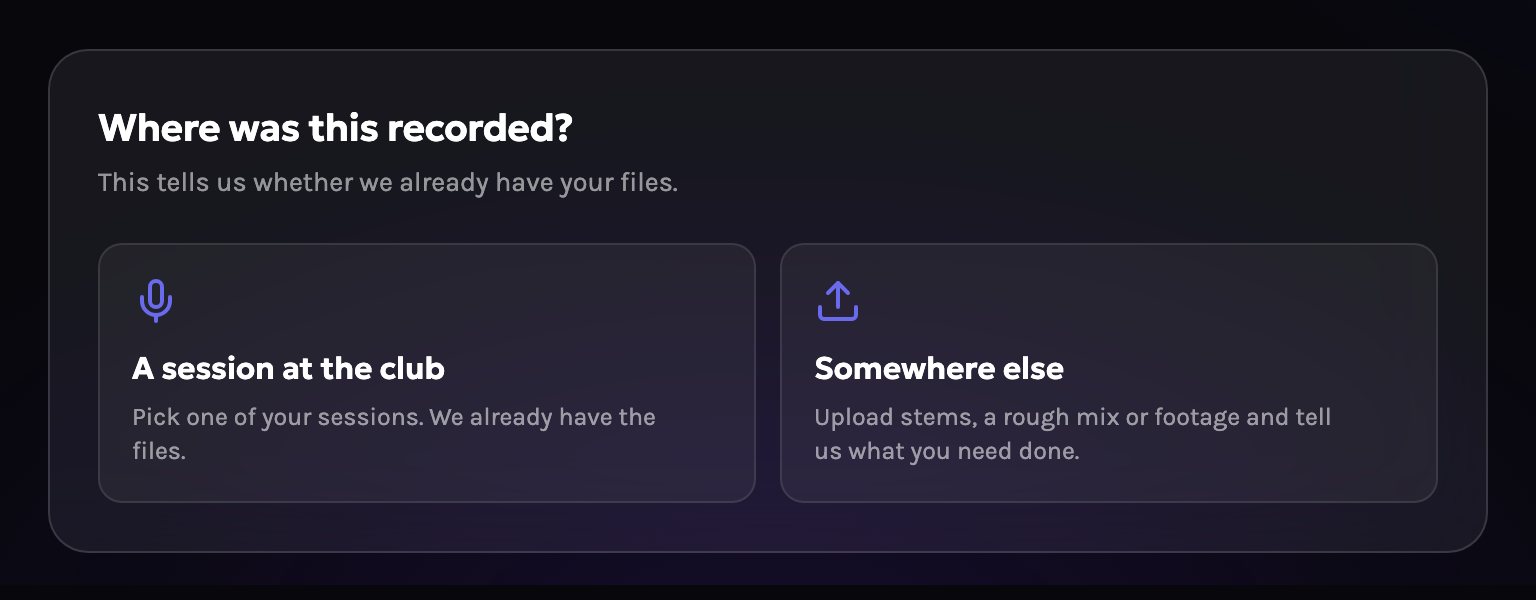
Pick the source
A session recorded at the club, or files from somewhere else.
-
Step 02
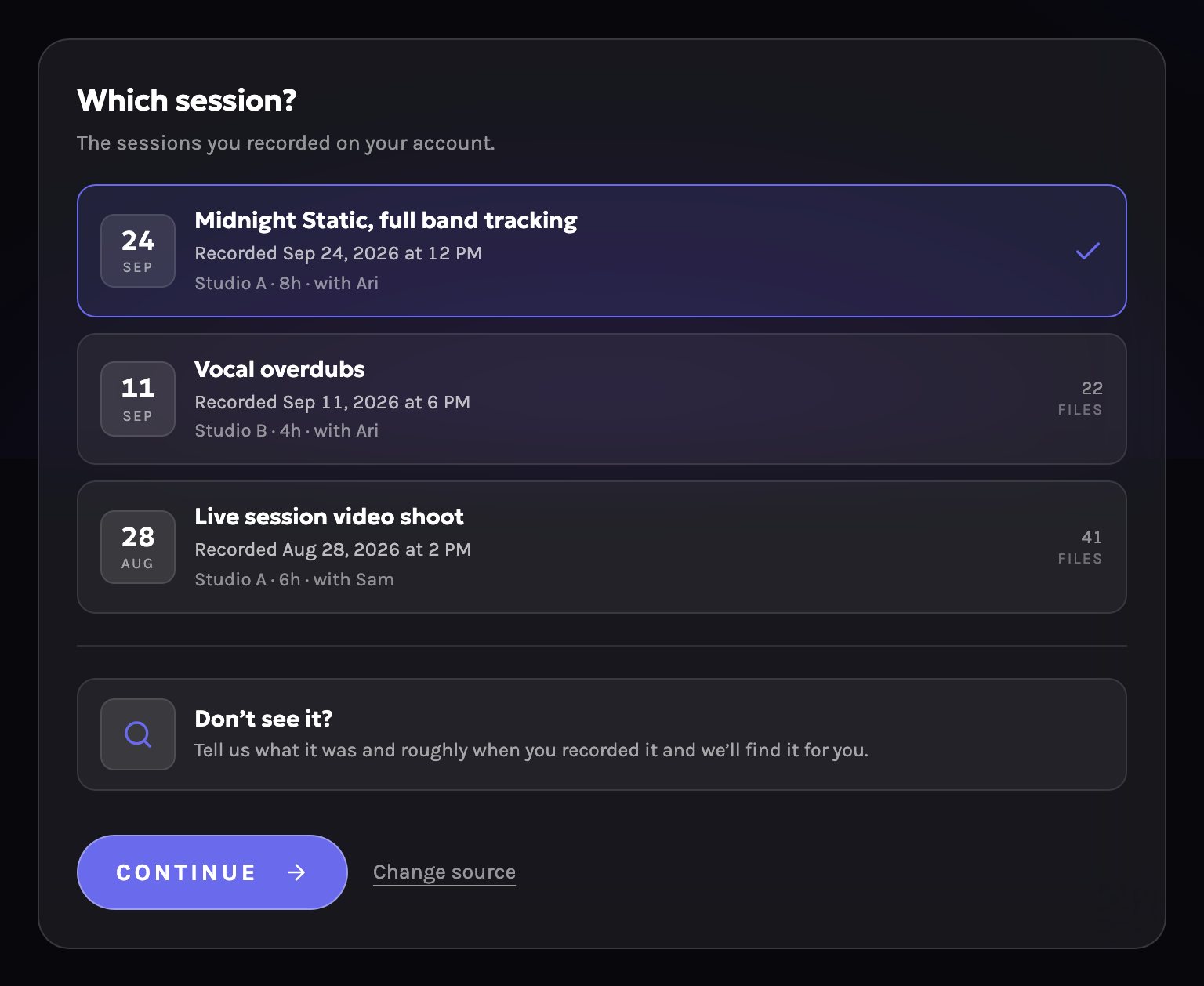
Pick one of your sessions
Signed-in members see their own past bookings. Those files are already at the studio.
-
Step 03
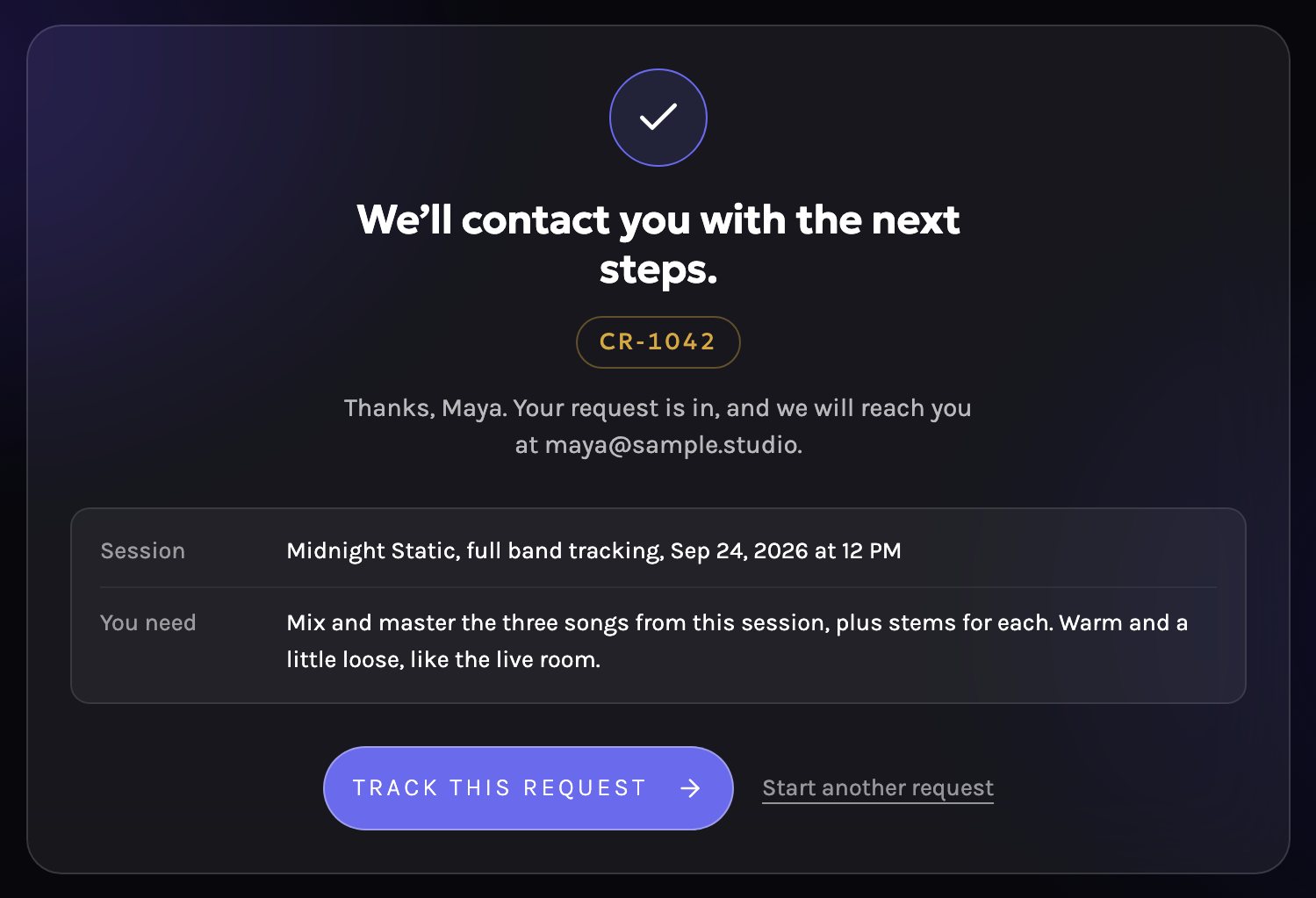
Send the request
Say what you need in your own words. You get a request number and a link to track it.
-
Step 04
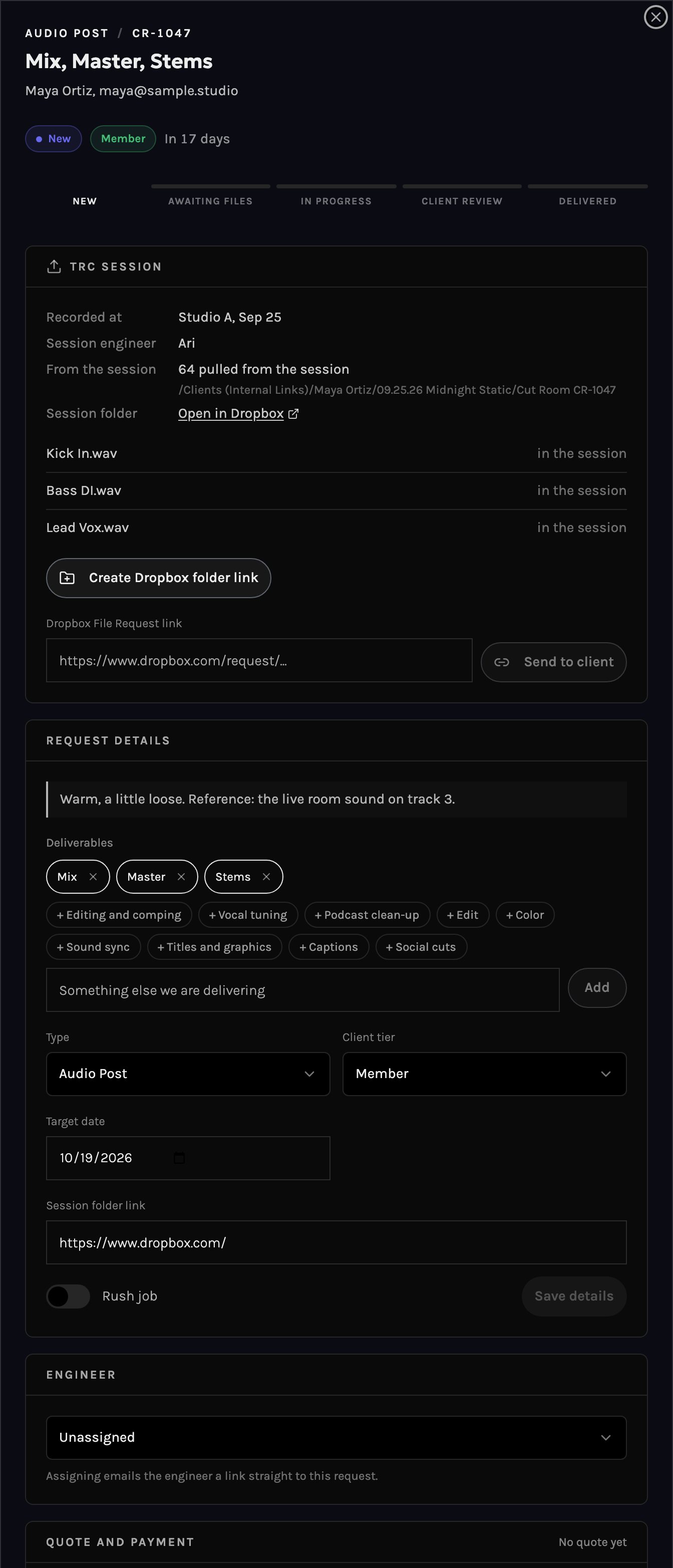
Staff review and quote
Status New, no quote yet. The studio sees the session files, assigns an engineer and sends a quote.
-
Step 05
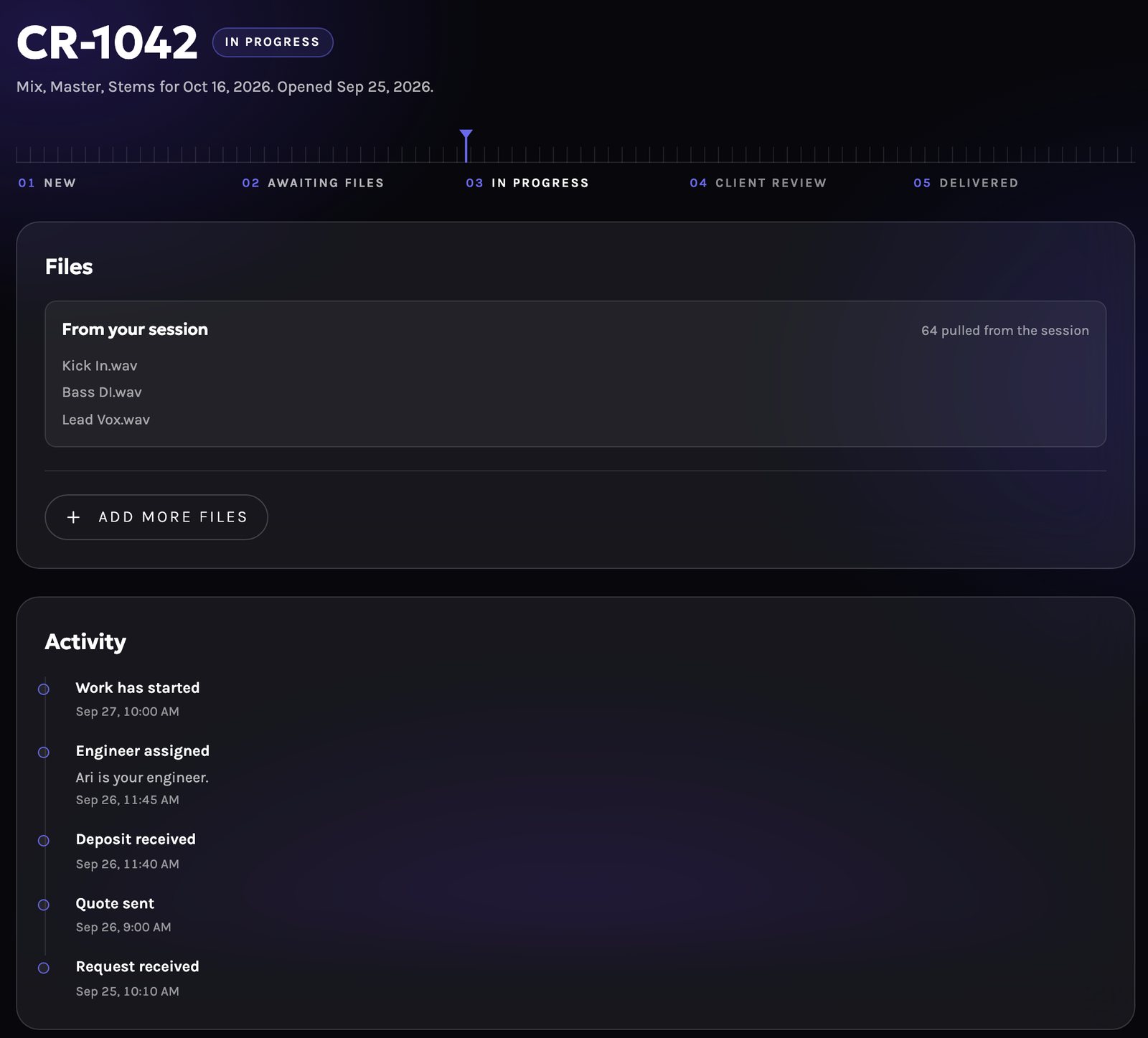
Deposit, then work starts
The client pays the deposit by card through Stripe. The job goes into the queue and work starts.
-
Step 06
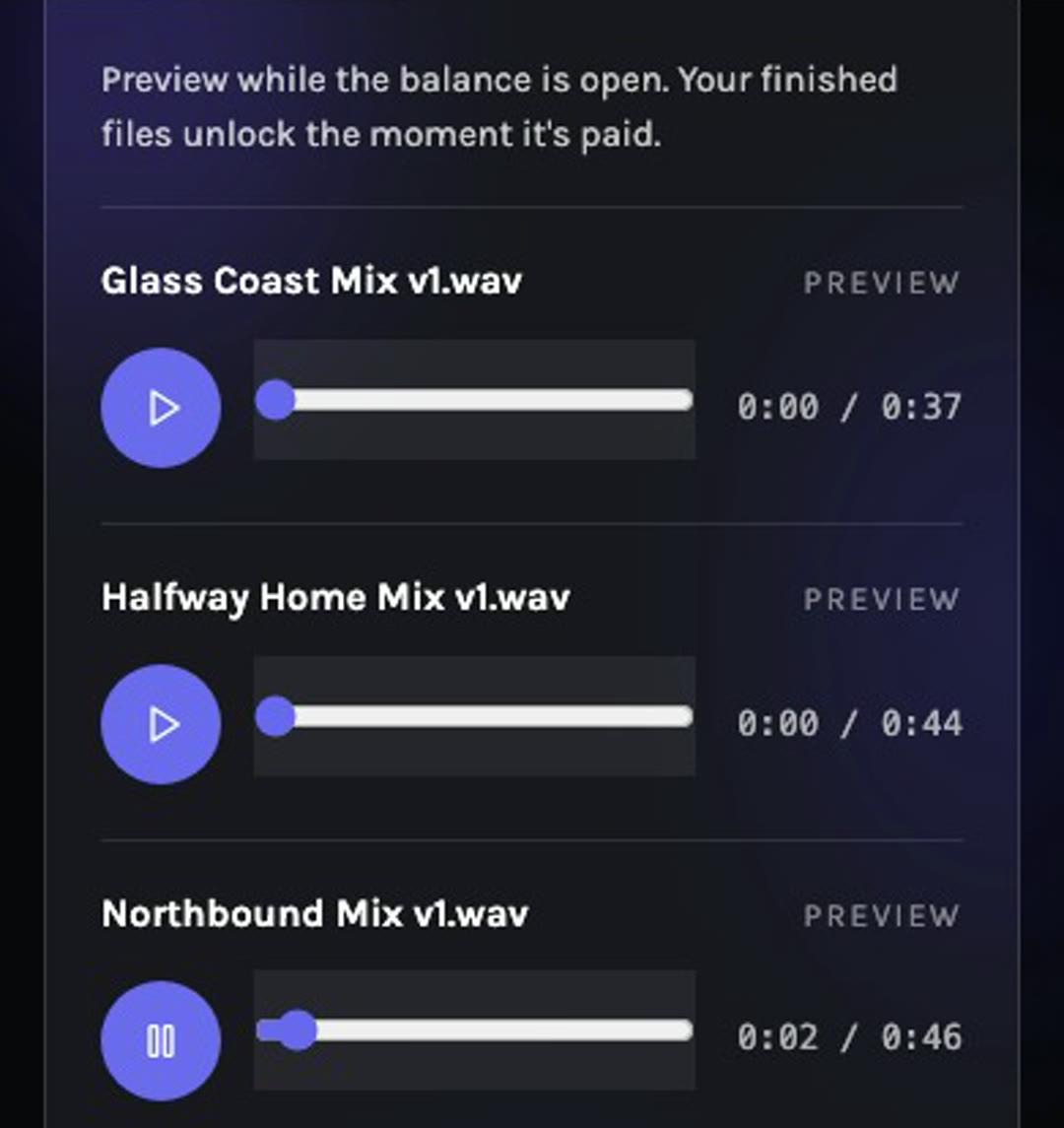
Hear a watermarked preview
The studio sends the round. Listen to the watermarked preview, then approve it or ask for changes.
-
Step 07
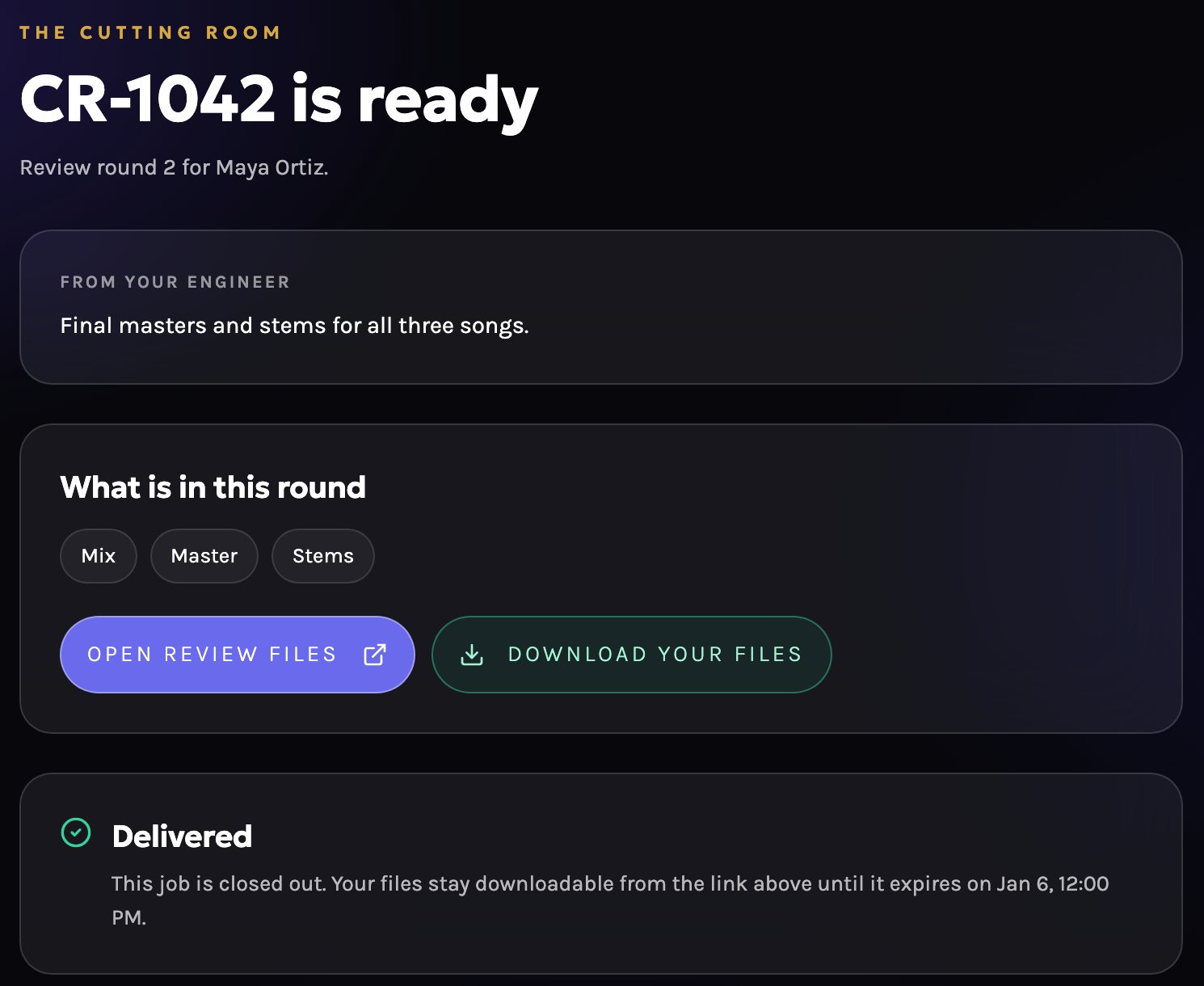
Balance and delivery
Once the balance is paid, the download unlocks on a private link.
-
Step 08
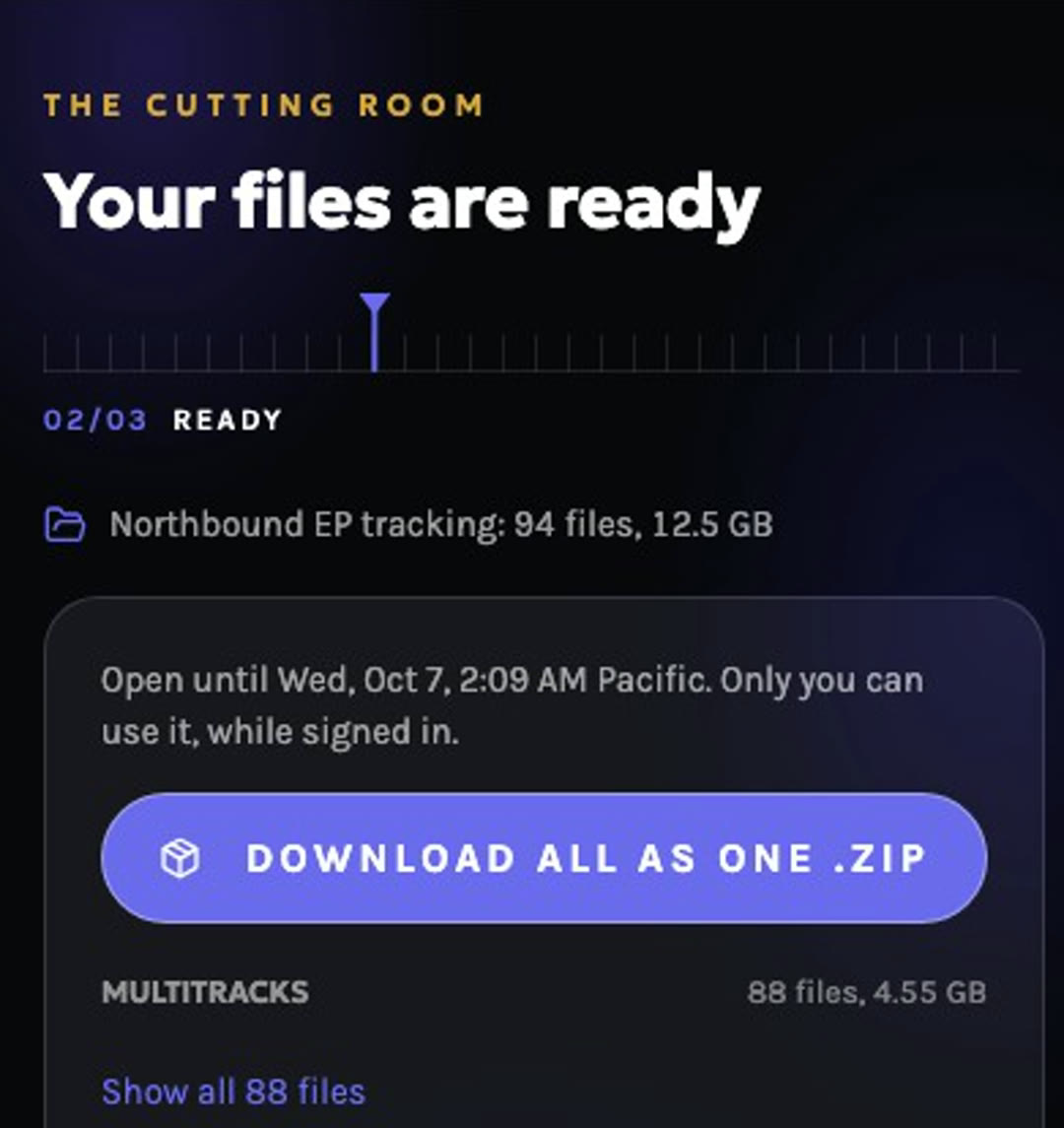
Download your session files
Your recordings stay yours. Ask for a session and download it through your account.
What each side gets
Client
For the client
- Recorded here? Pick the session. Nothing to upload.
- Recorded somewhere else? Drag in the files. Big files are fine.
- One request covers audio and video.
- A status page shows where the job stands, with an email at each step.
- Pay in two steps: a deposit to start, the balance on delivery.
- Files arrive on a private link. No account needed.
Studio
For the studio
- Every request lands in one queue instead of an email thread.
- Files land in the session's own Dropbox folder.
- Each job has an assigned engineer, who gets an email with the link.
- Moving a job to the next status emails the client.
- Work starts after the deposit clears.
- Staff edit the quote and deliverables, or open a project for a client.
What you can ask for
01 Quoted after review02 Deposit to start03 Balance on delivery
Audio
- Mix
- Master
- Stems
- Editing and comping
- Vocal tuning
- Podcast clean-up
Video
- Edit
- Color
- Sound sync
- Titles and graphics
- Captions
- Social cuts
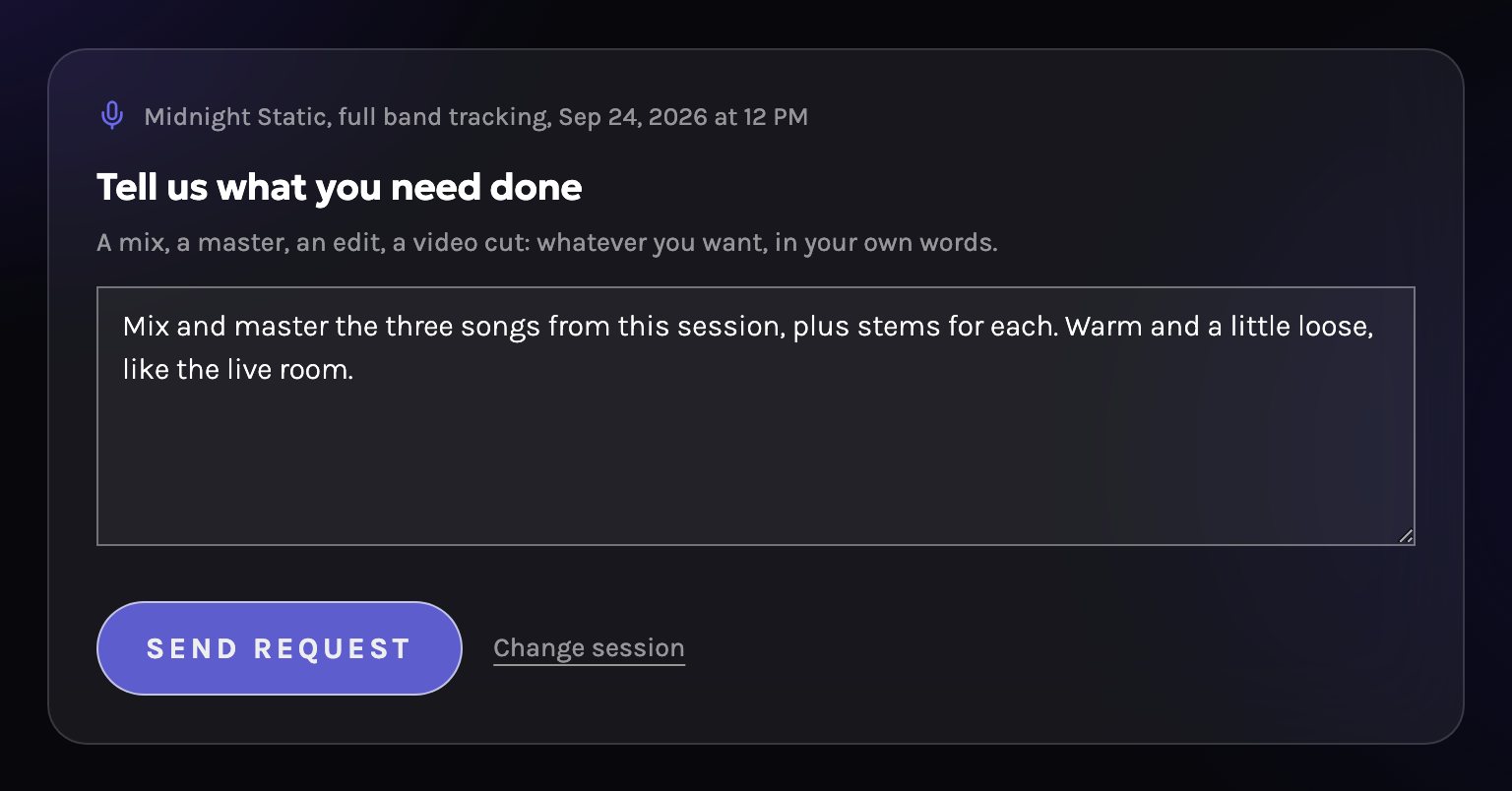
Recorded at the club
Pick the session, then say what you need in your own words. The engineer pulls the files from the session folder.
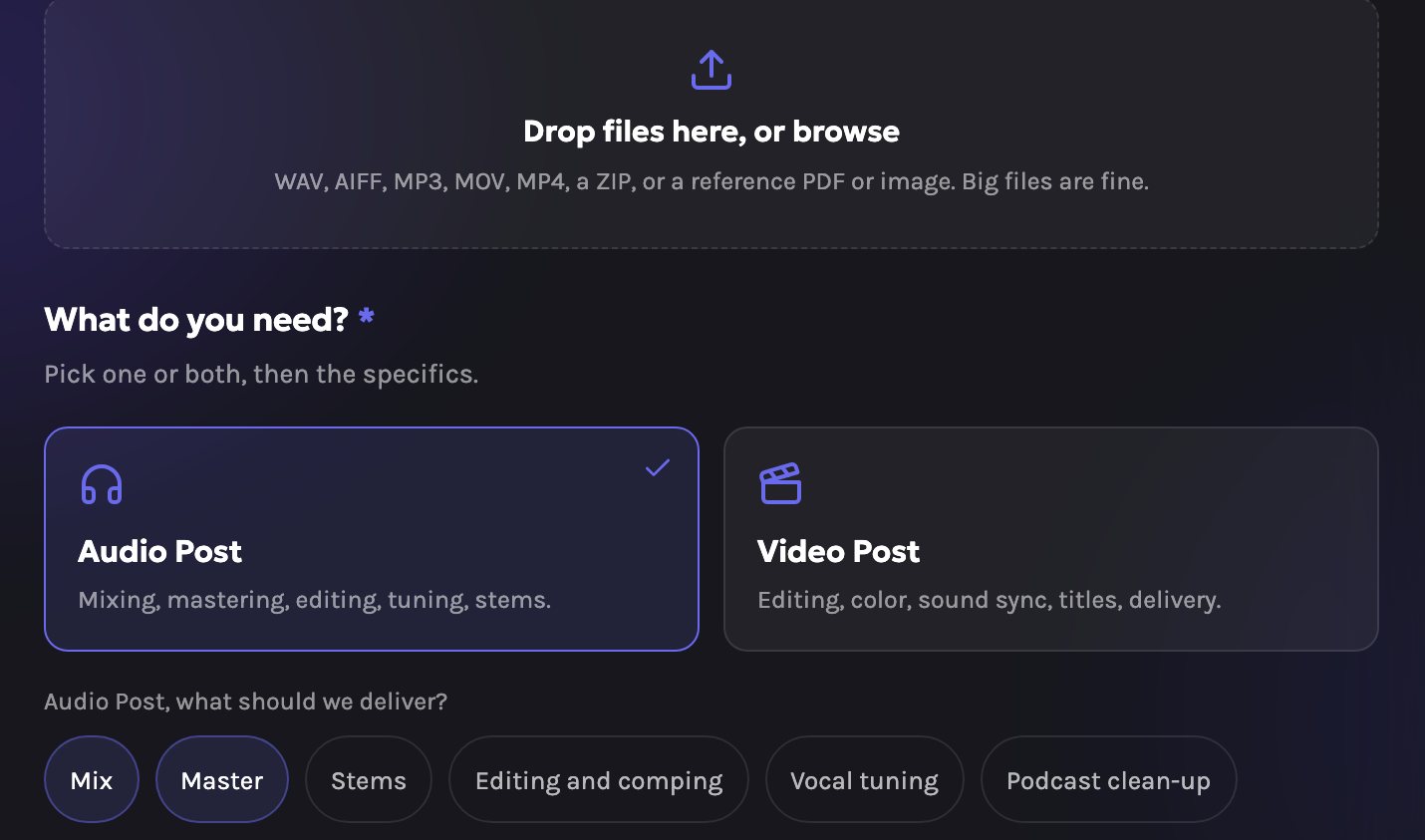
Recorded somewhere else
Drop in audio, video or a ZIP, big files included. Then pick the deliverables.
Where it lives
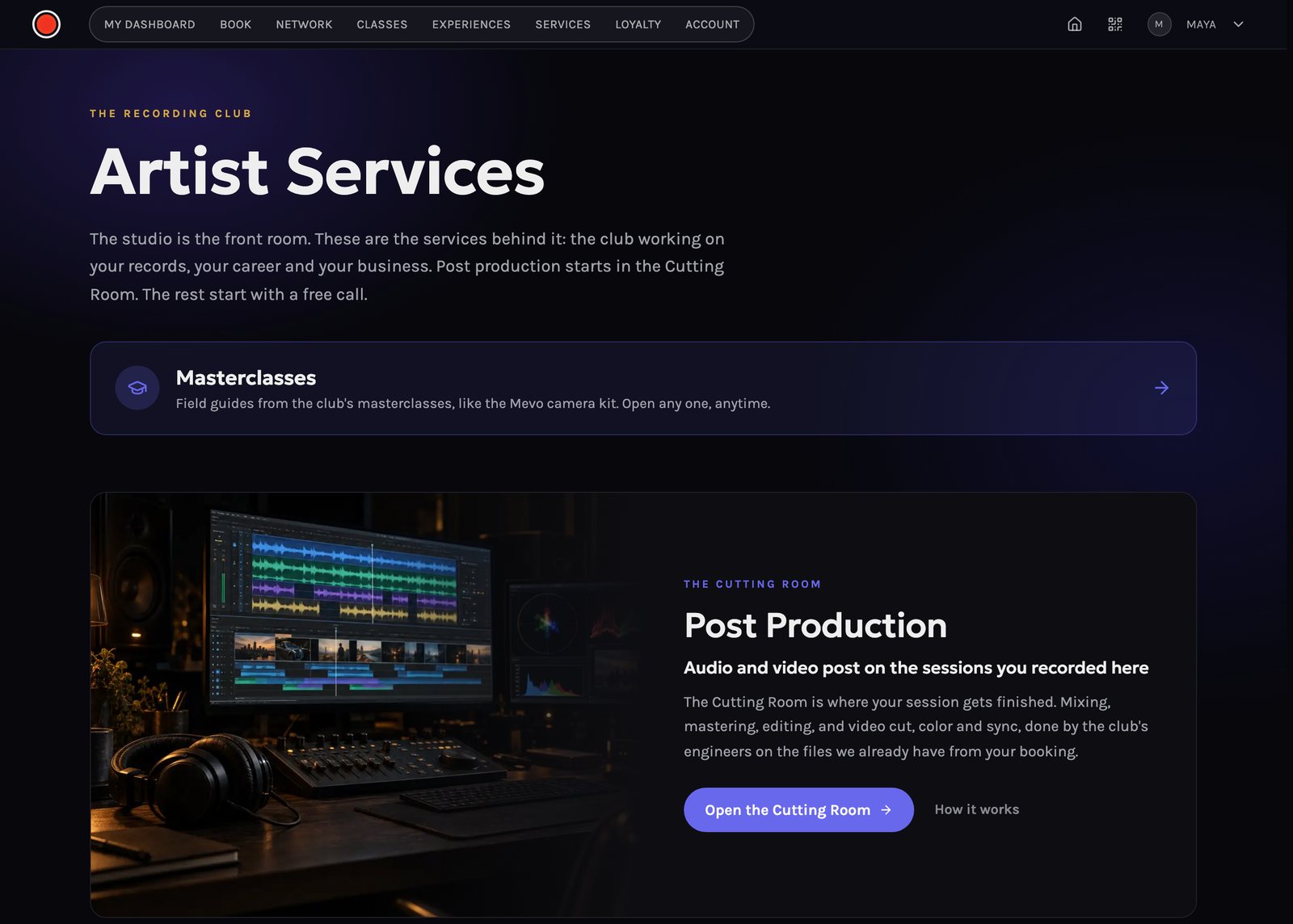
Member app: Services, then Post Production
The first item on the Services page opens The Cutting Room.
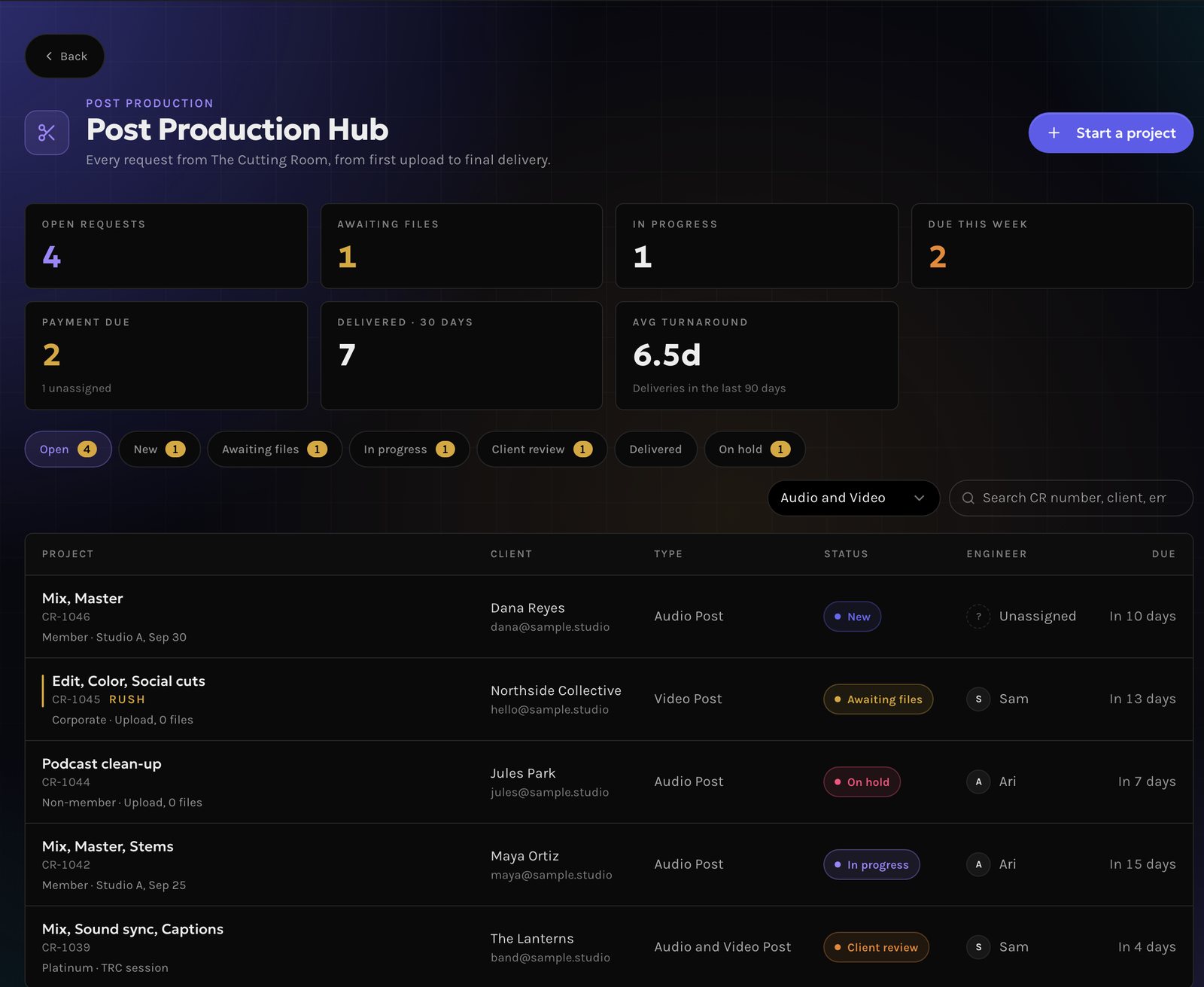
Admin: the Post Production Hub
Every request in one queue, filtered by status and type. Staff can start a project for a client from here.